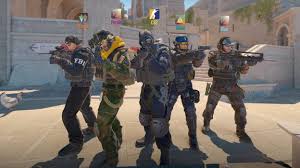
Counter-Strike 2 (CS2) is a free-to-play, multiplayer tactical first-person shooter released by Valve in September 2023, serving as a direct, engine-upgraded replacement for Counter-Strike: Gloval Offensive(CS:GO).
Counter-Strike 2 (CS2) is considered user-friendly because it is easy to understand and simple to start playing, even for beginners.
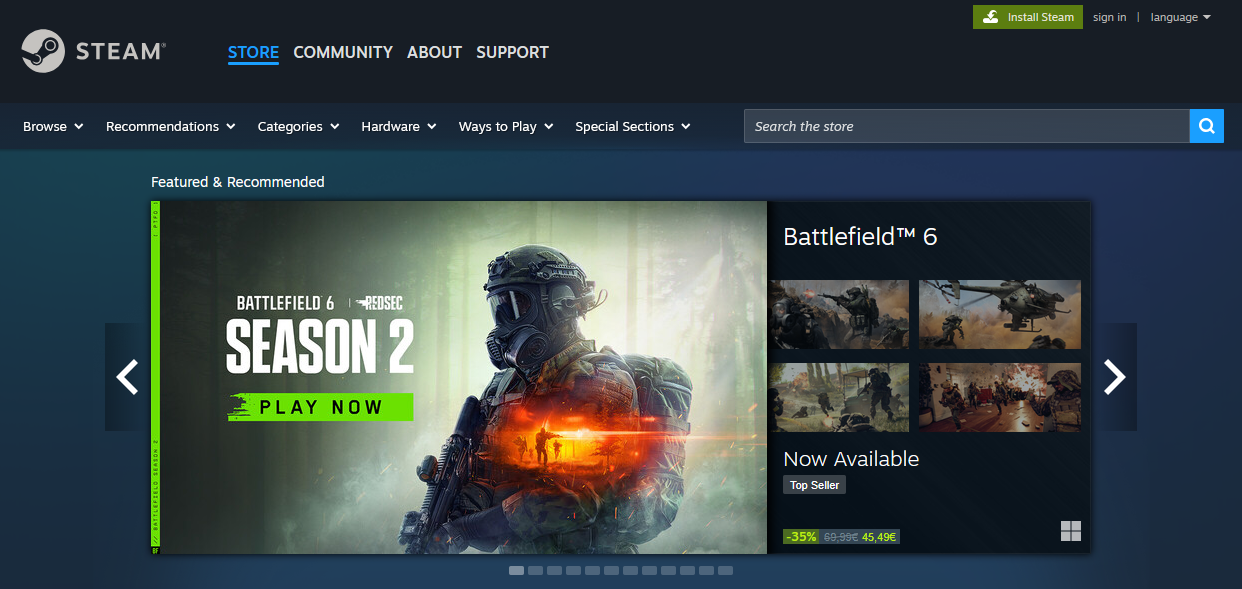
Open the Steam Website
Open a web browser.
Type: store.steampowered.com
Press Enter.
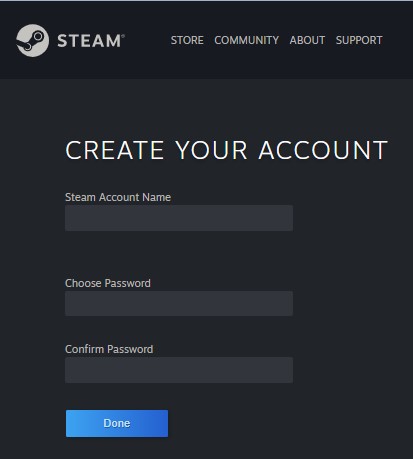
Create or Log in to a Steam Account
Click Login (top right).
Choose Create an account if you don’t have one.
Fill in email, username, password.
Confirm email.
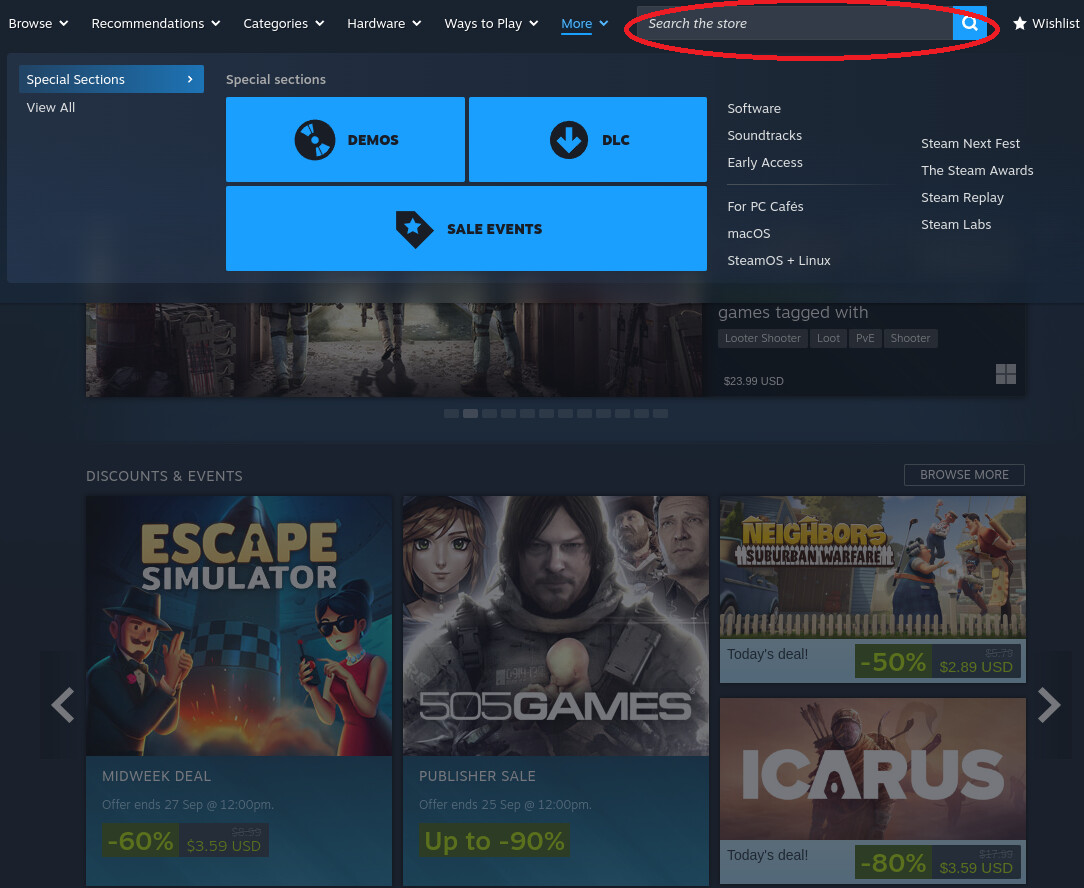
Use the Search Bar
Click the search bar at the top.
Type Counter-Strike 2.
Press Enter.
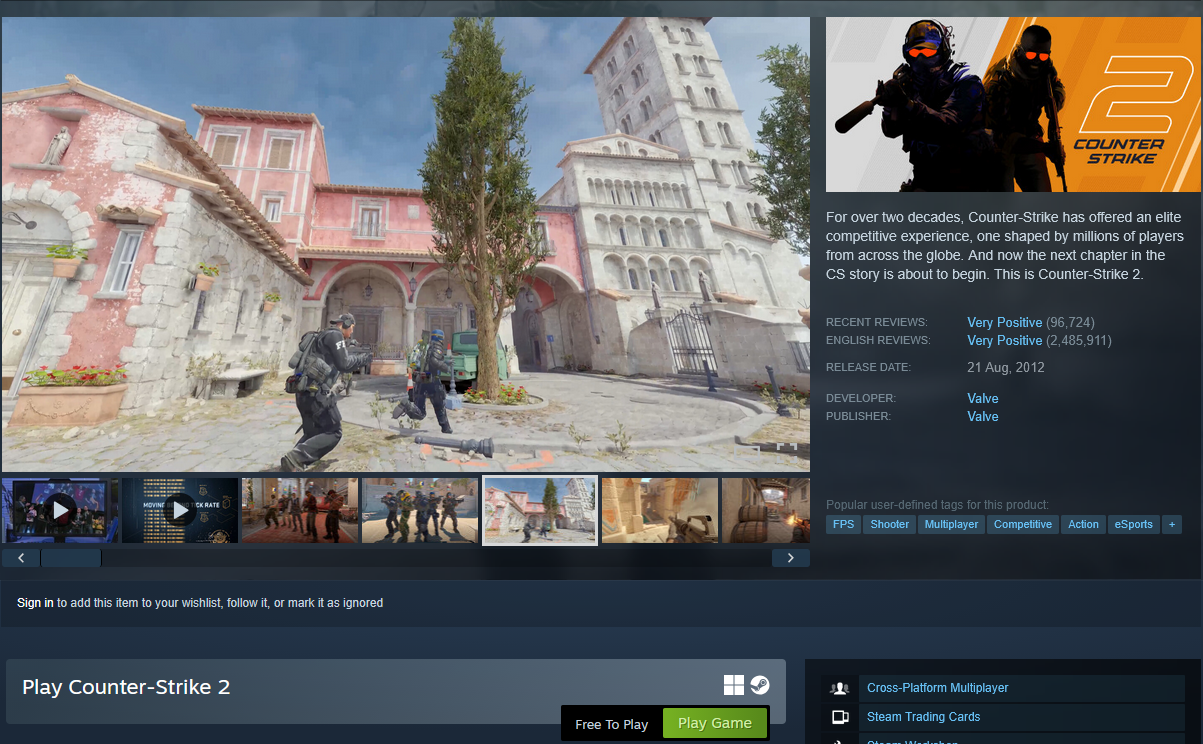
Open the Game Page
It contains discription, pictures and other useful information, that you might find useful.
You need to click "Play Game" green button, afterwards you will get Counter-Strike 2 in your library.
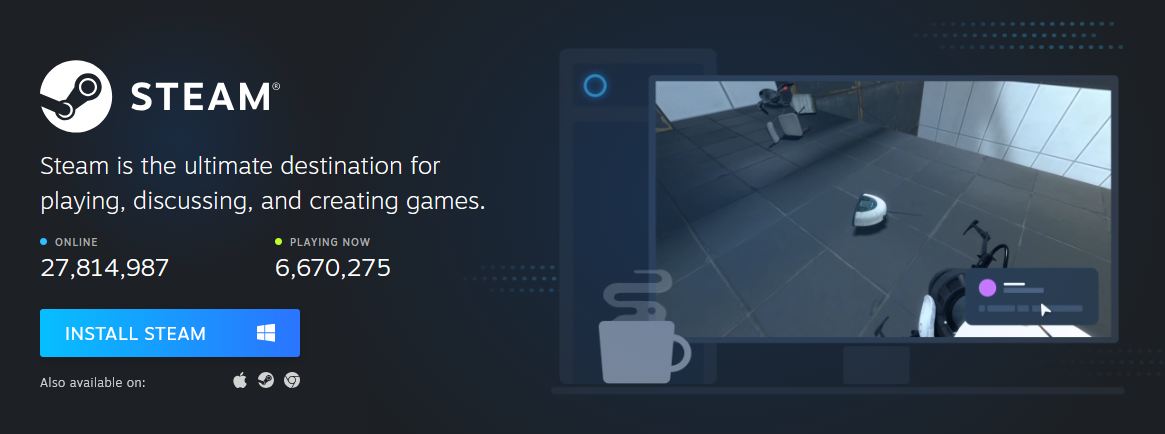
Install Steam Launcher
Why should you do it?
Steam Launcher is requiered to download and play the game.
Open the Launcher
Next think you'll want to do is to open the Library in the navigational menu. Once you got there, find Counter-Strike 2 and open its page.
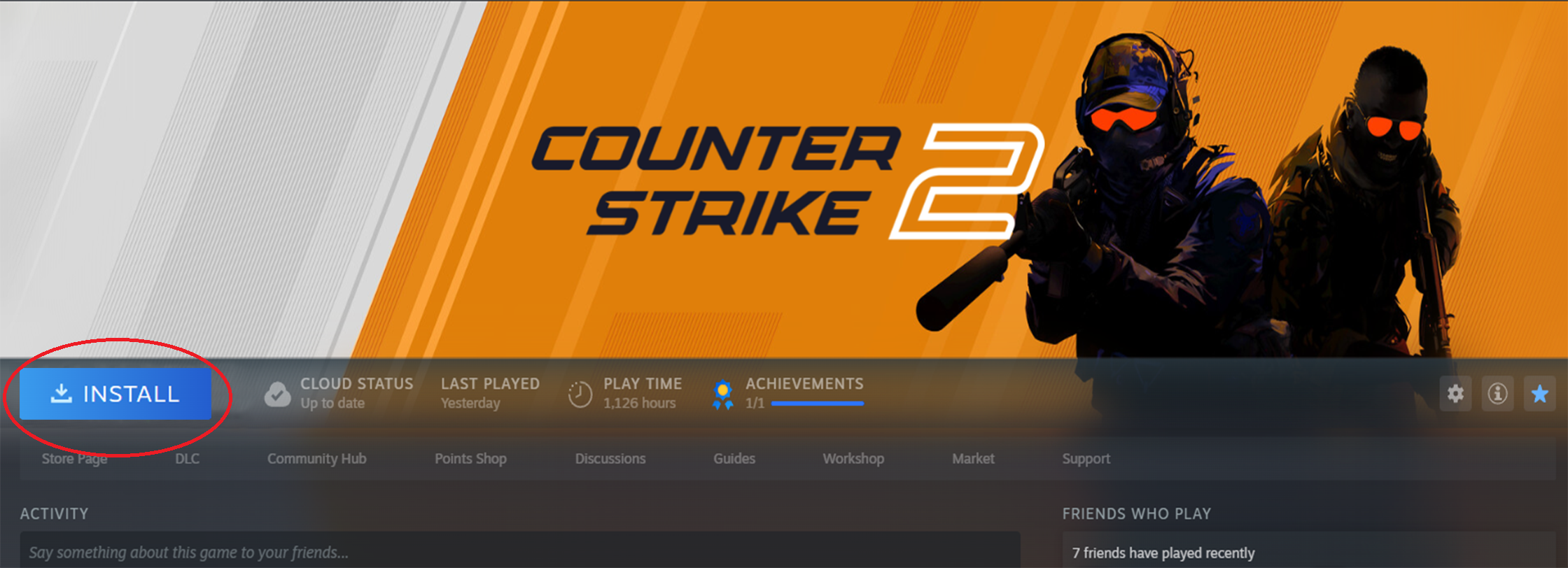
Install Counter-Strike 2
Once you got to the game page, you'll find the big blue button "Install", press it and install the game.
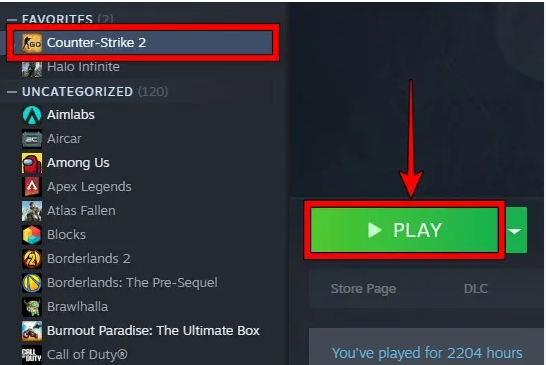
Open Counter-Strike 2
After installing, button "Install" will be replaced with "Play", hit it and watch the game launches
Your first game
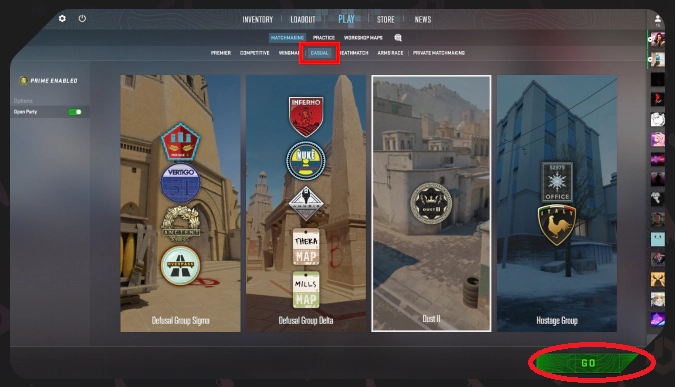
Once you are in the lobby, go to navigational menu, selected whichever gamemode you like, they all are similar and easy, then hit "GO" and enjoy your game!
 What is Counter-Strike 2?Counter-Strike 2 (CS2) is a free-to-play, multiplayer tactical first-person shooter released by Valve in September 2023, serving as a direct, engine-upgraded replacement for Counter-Strike: Gloval Offensive(CS:GO).